What is a product model?
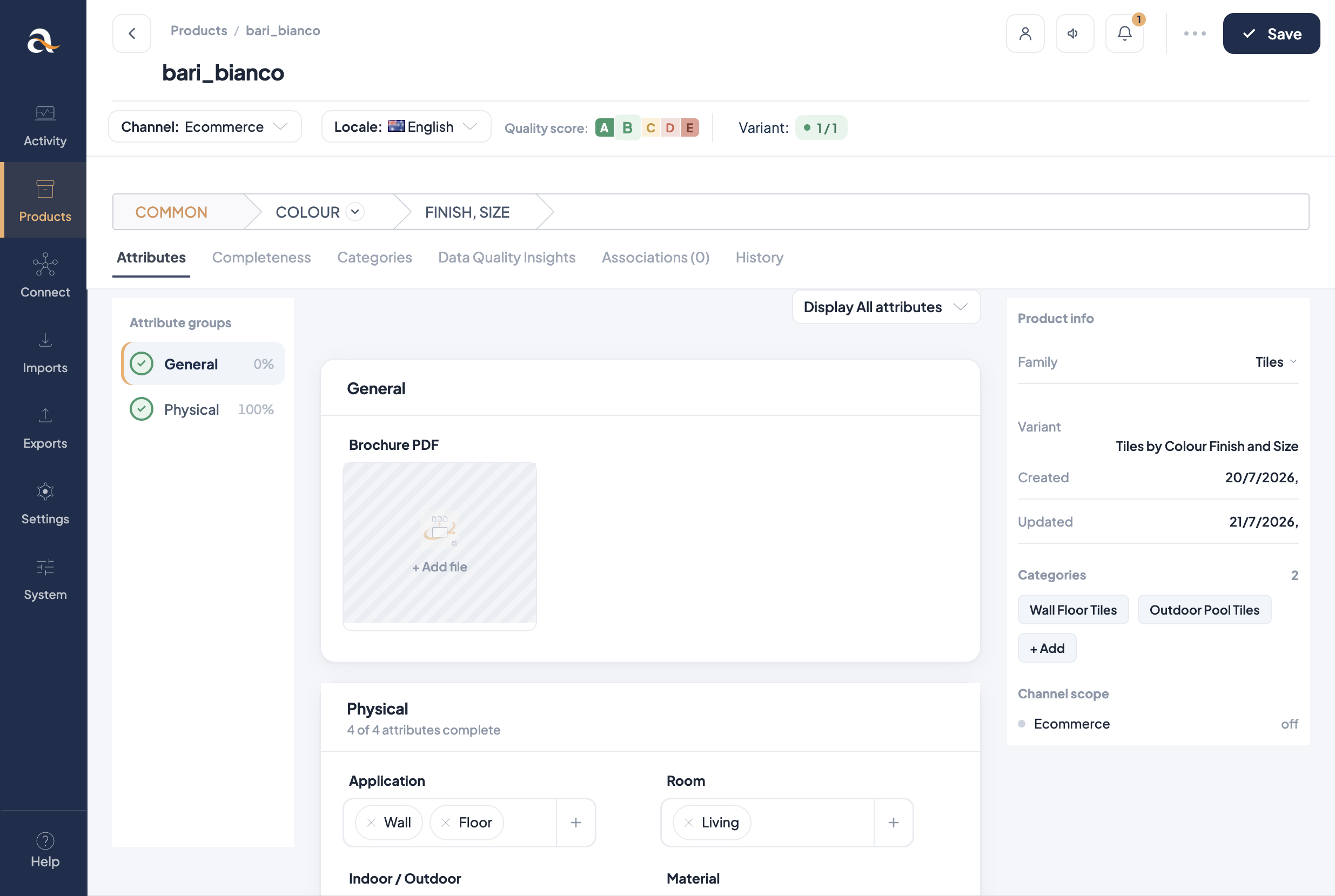
A product model is a parent record that gathers variant products and holds the data they share. You enrich common properties once on the model; each variant keeps only what makes it different (for example colour, finish, or size).
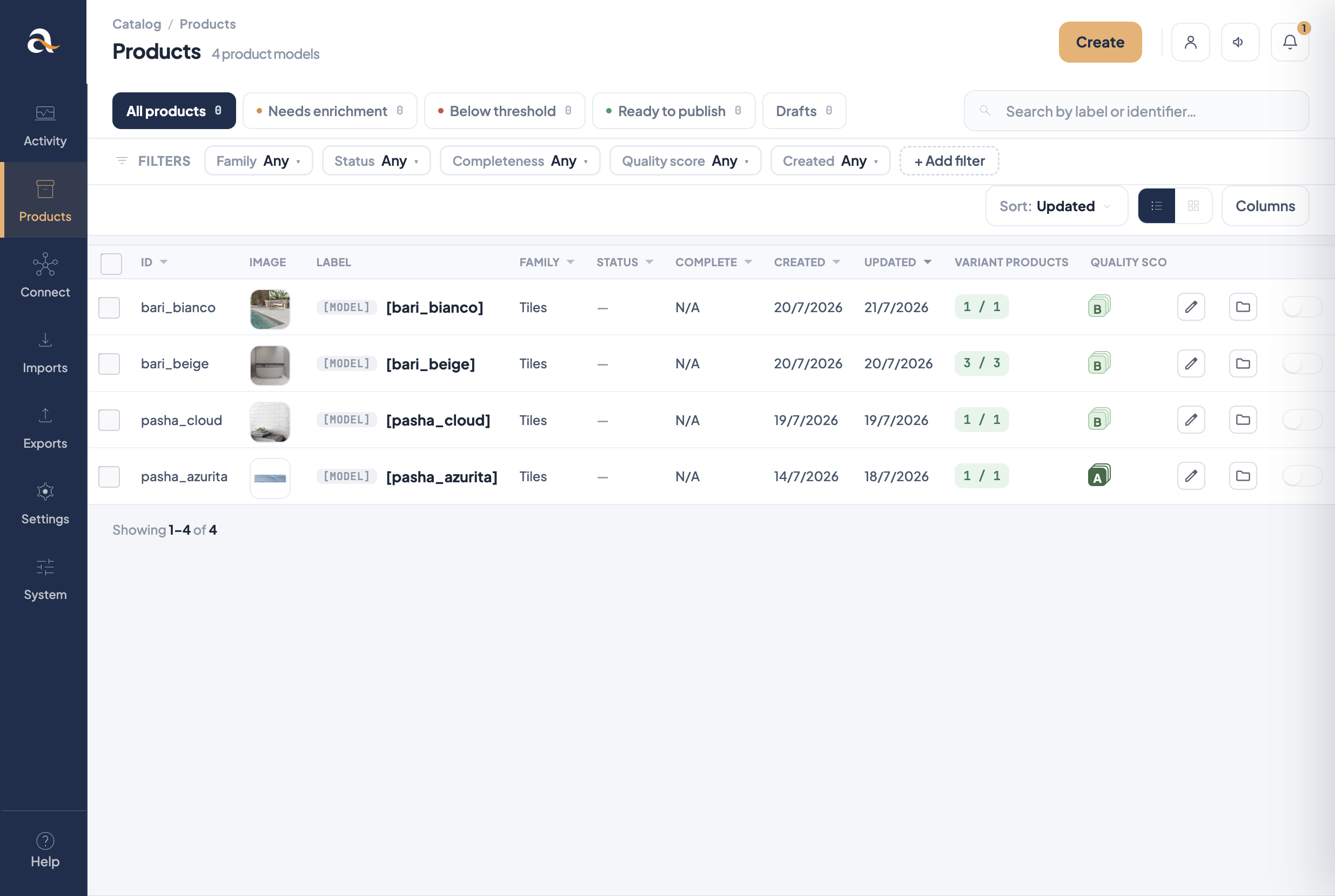
[MODEL]. The Variant products column shows how many
children each model has (e.g. bari_beige 3 / 3).
Why you need them
Without models, every colour/finish/size combination is a fully separate product. That means repeating the same description, images, and marketing copy many times — and fixing mistakes in many places.
Product models solve that:
- Enrich once — shared attributes live on the model and apply to all children.
- Sell many SKUs — each variant is still its own sellable product with its own identifier.
- Cleaner imports and channels — common content stays consistent for Ecommerce and other destinations.
- Clear structure — the family variant defines which attributes are used as a variant axis (what splits variants) vs common attributes.
A tile range such as pasha_azurita is a product model in family
Tiles. Shared name, description, and lifestyle imagery sit on the model.
Variant products differ by a variant axis such as finish or size — each gets its own SKU for
ordering and Shopify.
How the pieces fit
- Family — template of attributes for this kind of catalog item (what is a family?).
- Family variant — on the family, defines one or two levels of variation and which attributes are used as a variant axis at each level (e.g. Colour, then Size).
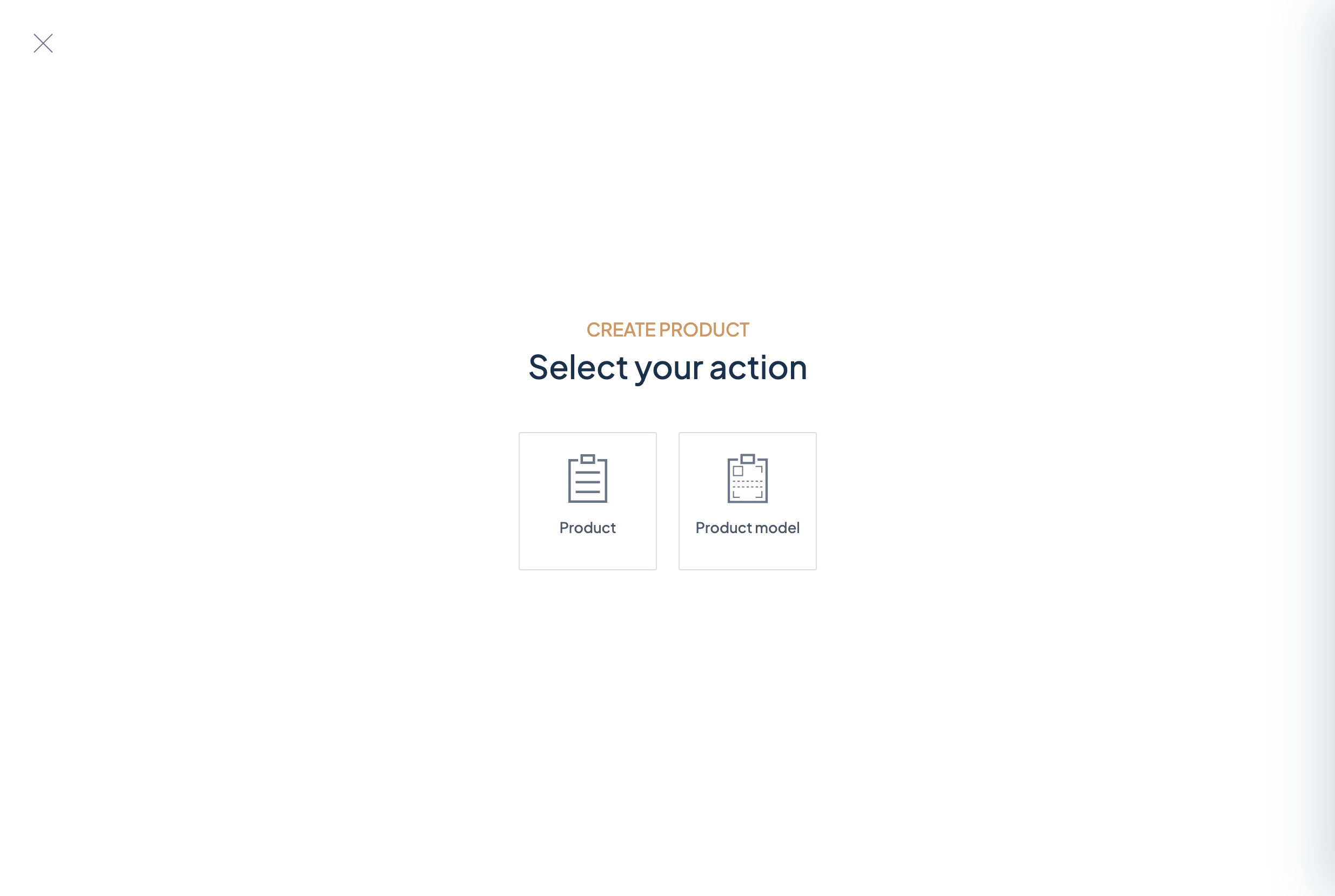
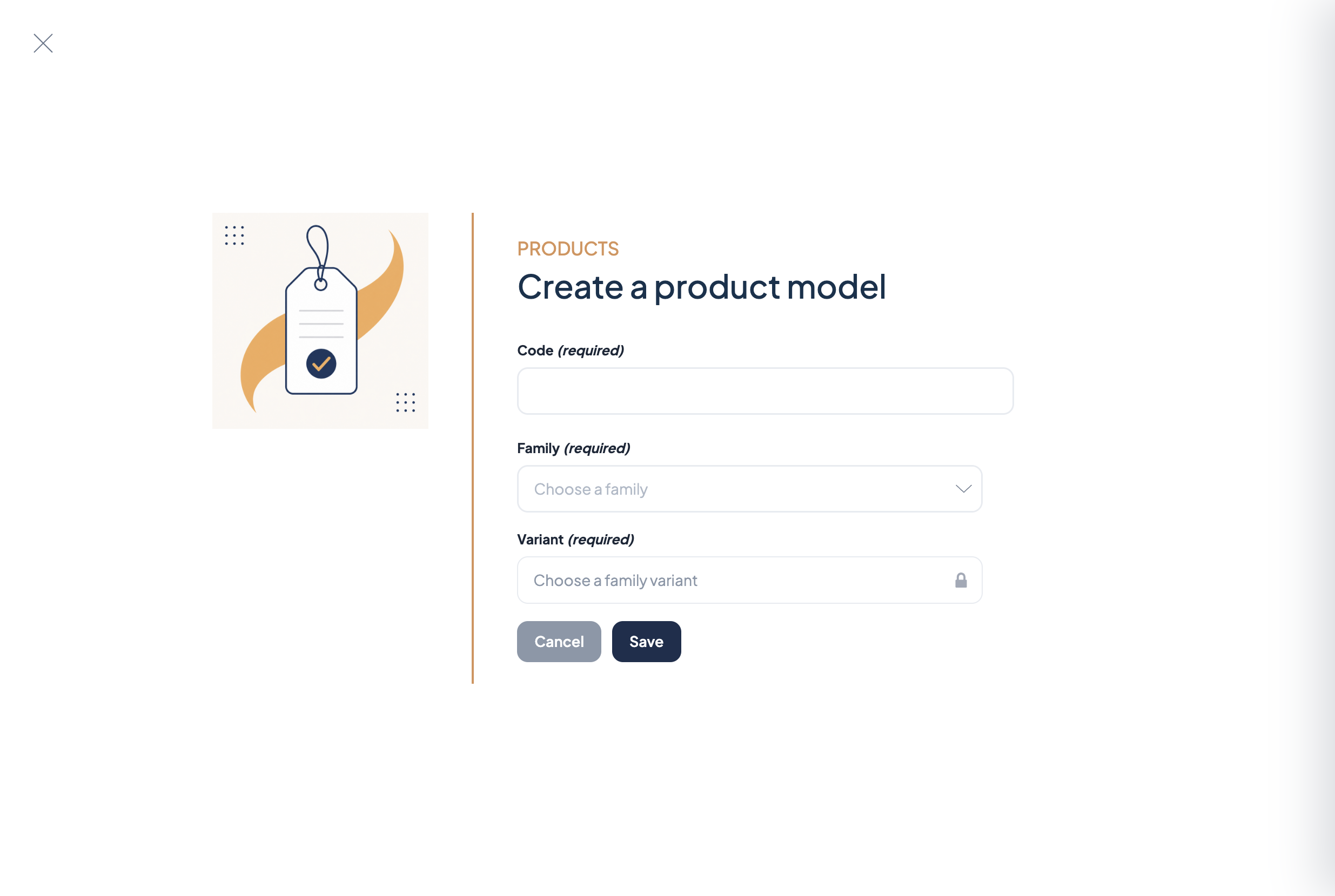
- Product model — created with that family variant; stores common values. Two-level setups can use a root model and sub-models.
- Variant product — child with its own identifier; fills the variant axis values and any attributes that belong only at the leaf level.
What belongs where
- On the model — description, brand story, shared images, categories that apply to the whole range, and other attributes defined as common in the family variant.
- On the variant — attributes used as a variant axis (colour / finish / size…), SKU/identifier, prices or stock-related fields if you store them per SKU, and any leaf-level attributes from the family variant.
- A family with at least one family variant configured
- Variant axis attributes created first (usually simple select) and attached to the family
- Clear codes for models and variant SKUs for imports and the API
How-to: Work with product models · Manage families (family variants) · Work with products