Manage families
Define product templates and completeness requirements.
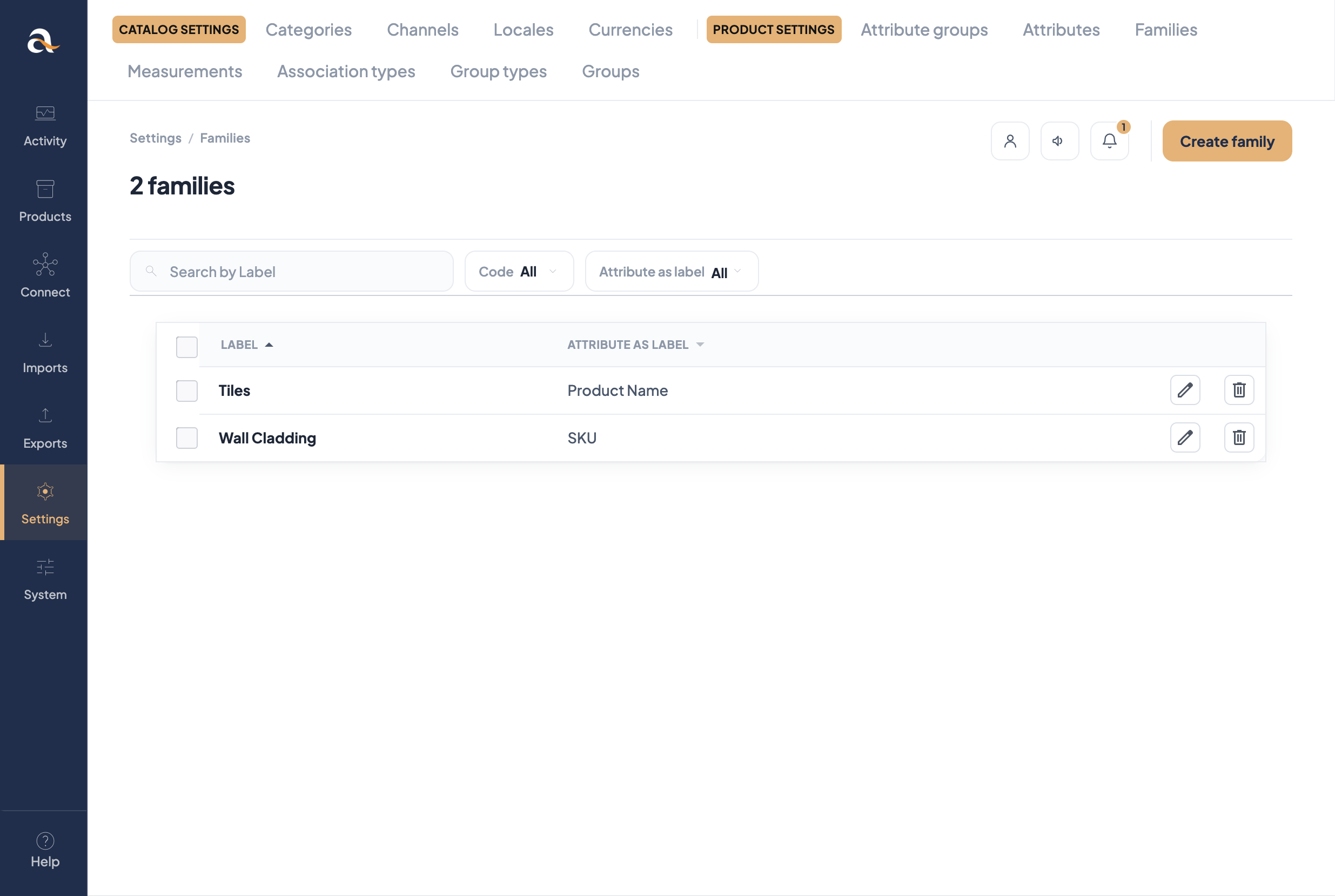
- Open Settings → Families.
- Create a family (e.g.
tiles) and choose the attribute used as label. - Attach attributes products of this type need.
- Mark required attributes per channel for completeness.
- Add a family variant (variant axis + common vs variant attributes) if you will use product models.
Concept: What is a family?