Sign in
Open your Avist workspace with the username (or email) and password provided by your administrator.
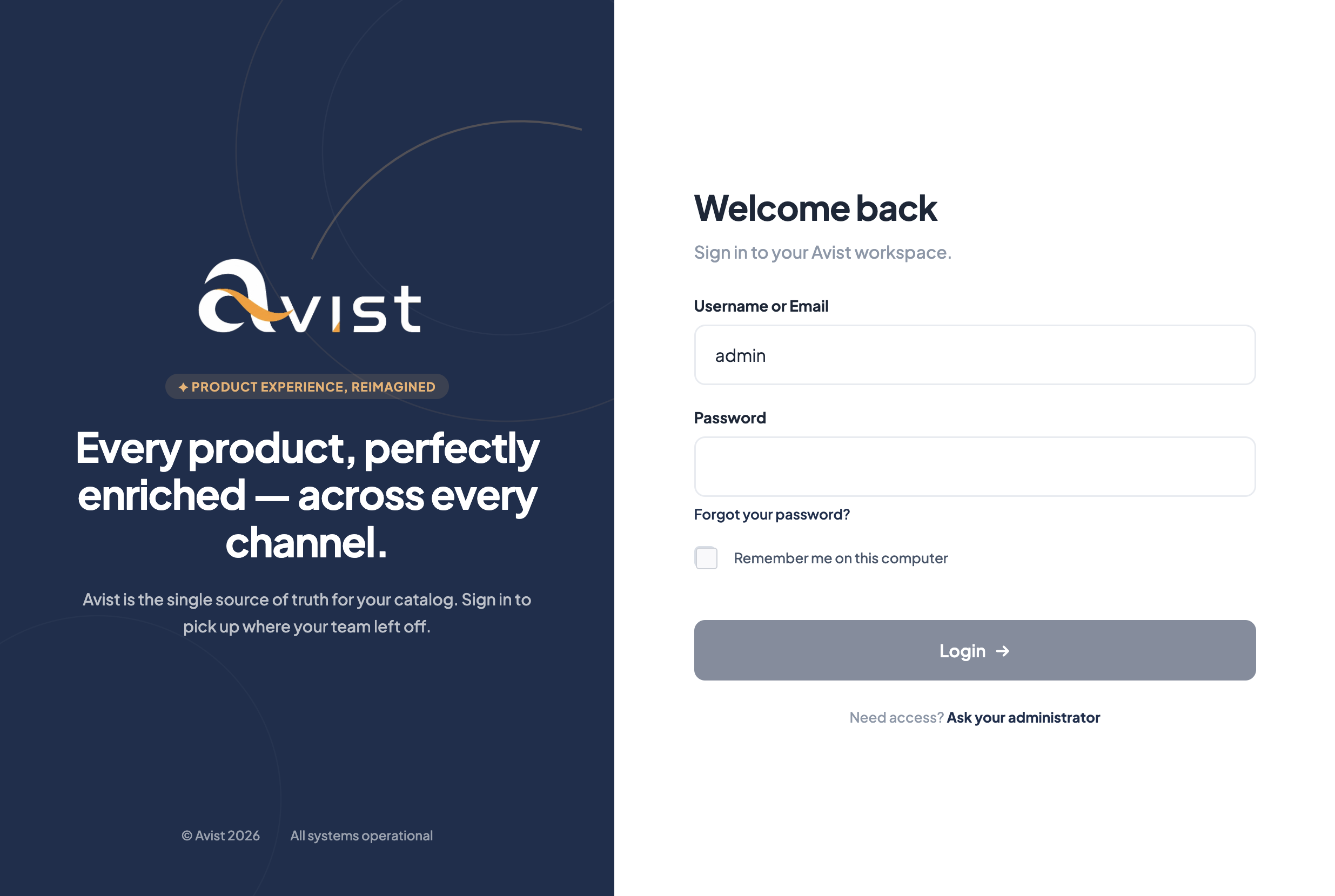
Steps
- Go to your Avist URL (for Stone 3:
https://stone3.avistpim.com). - Enter your Username or Email.
- Enter your Password.
- Optionally tick Remember me on this computer on a trusted device.
- Click Login.
Forgot password?
Use Forgot your password? on the login screen if password reset is enabled. Otherwise ask your Avist administrator to reset access.
Label wording can vary slightly with the UI language (Stone 3 uses English Australia).
Depends on
- A user account created in Avist (What is a user?)
- A role that grants permission to open the screens you need
Next: Find your way around.